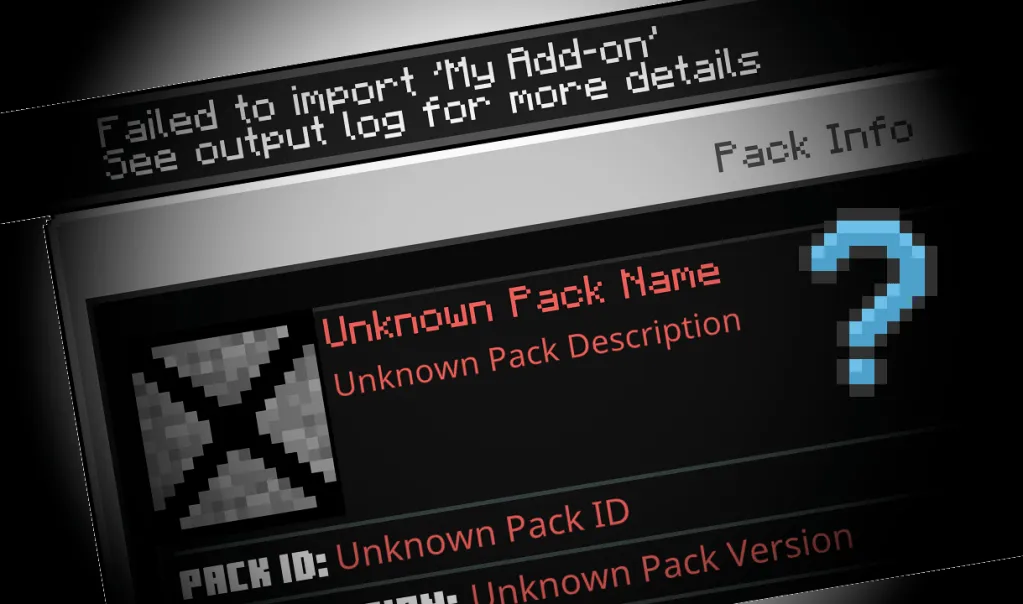
Having trouble importing .mcpack and .mcaddon files into Minecraft on iOS? Follow this tutorial!
1. Download the Documents by Readdle app
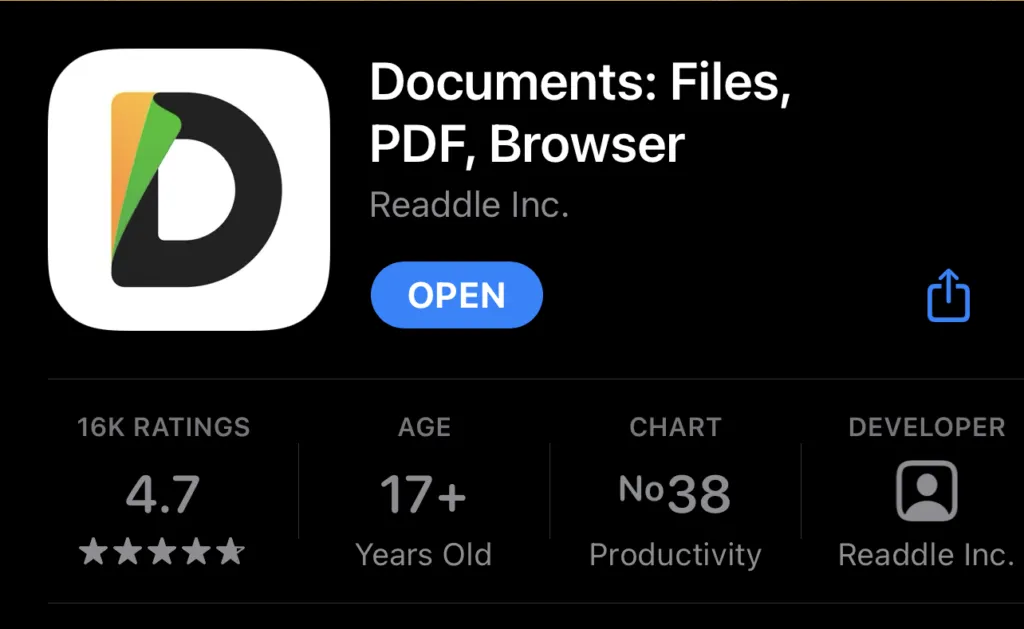
You can find the app on the App Store. If you already have this app, you can skip this step.
2. Download the .mcaddon or .mcpack file.
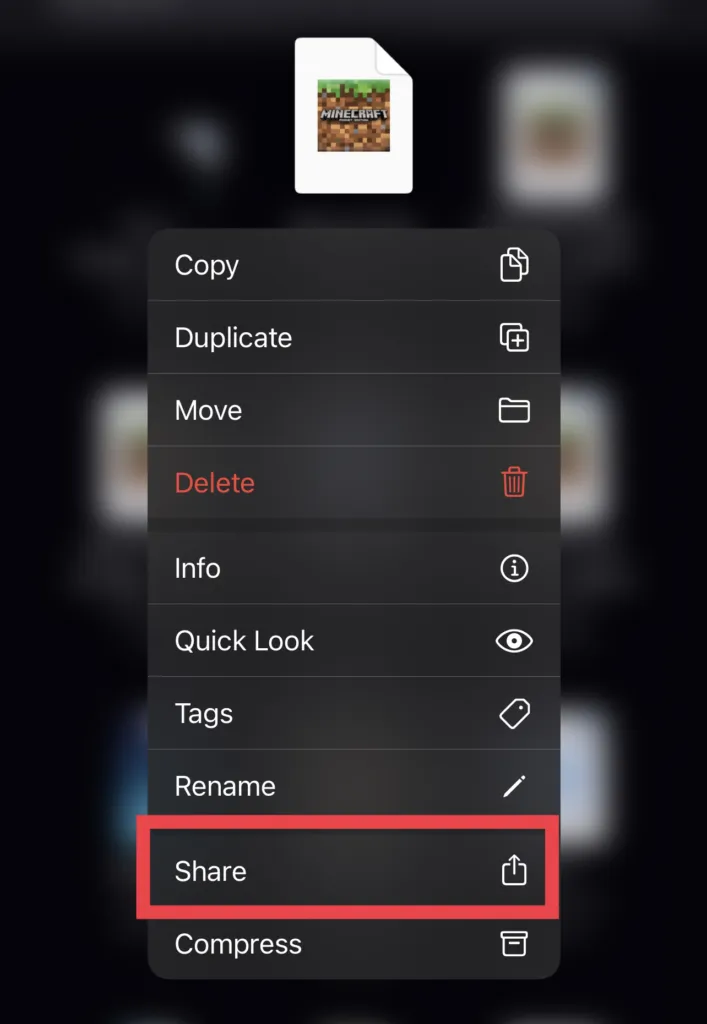
When the download has finished, head to the default Files app, find the file, and long press on it. Then, click on Share, as indicated by the red box.
3. This pop-up should appear.
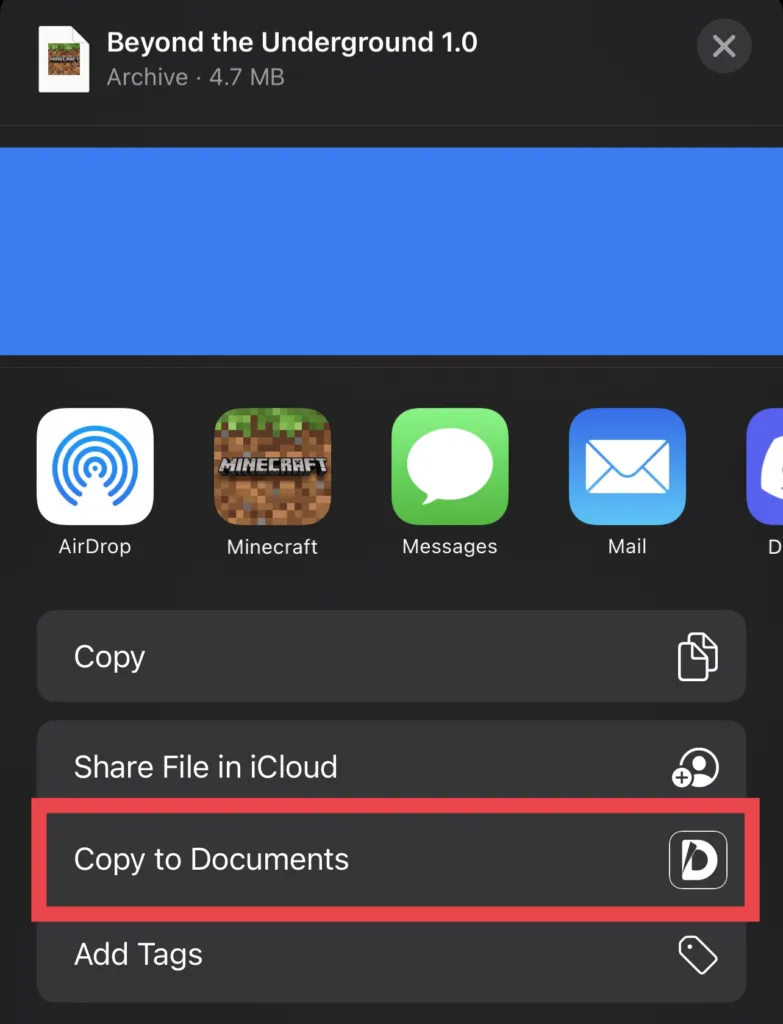
Click on Copy to Documents.
4. The Documents by Readdle app should launch.
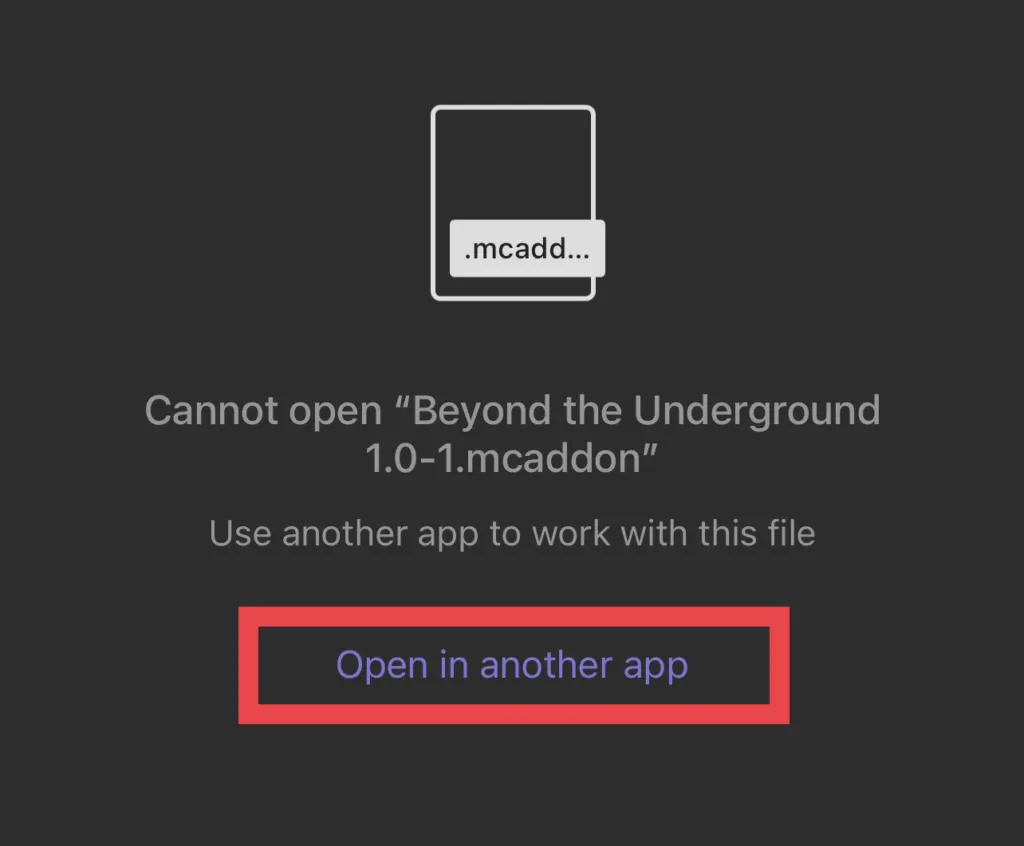
This screen should appear. Click on Open in another app.
5. This popup should appear.
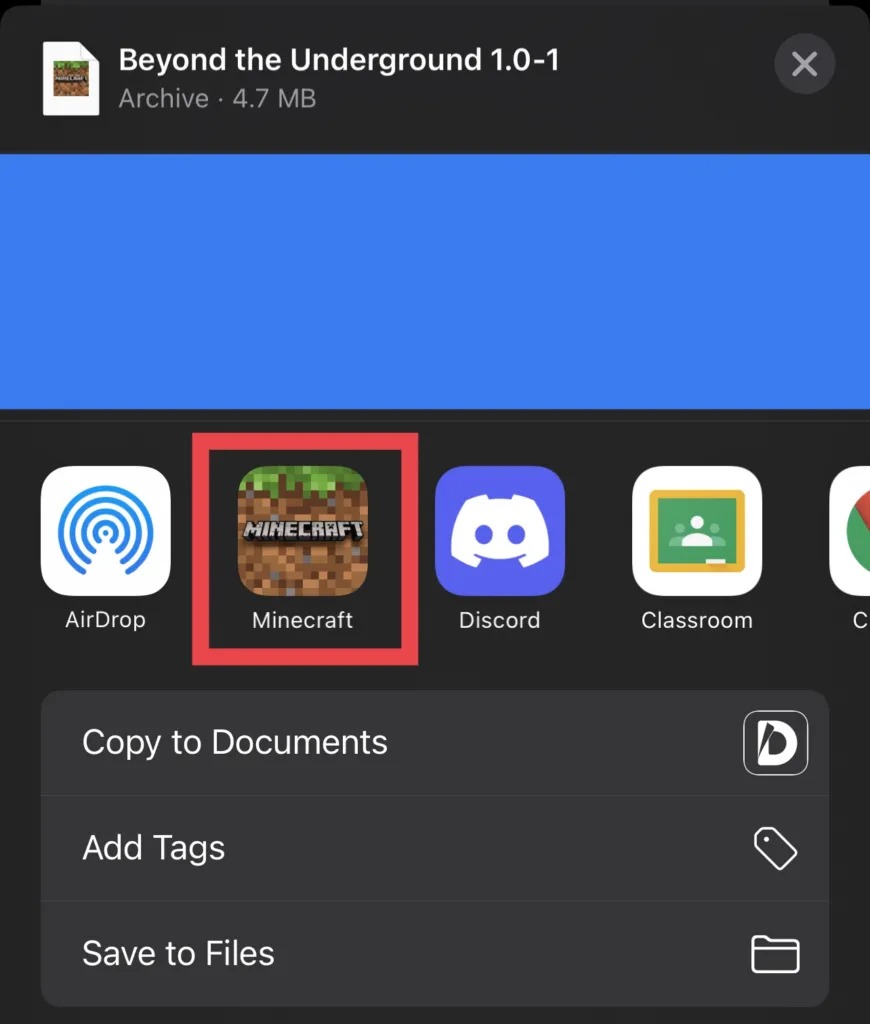
Select Minecraft or Minecraft Preview, based on the version of Minecraft you want the add-on imported to.
6. Done!
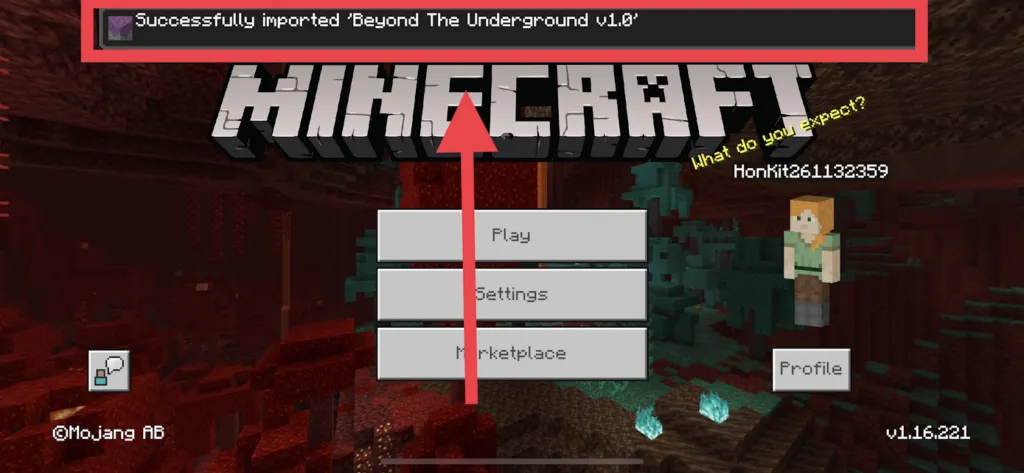
The add-on should now be imported into Minecraft!